Naavik.ai logo
Plotter
Features
Resources
Contact Us
πŸ‡¬πŸ‡§EN
πŸ‡¬πŸ‡§EnglishπŸ‡«πŸ‡·FranΓ§ais
Book a Demo
Interactive Real Estate Map

Interactive map for real estate projects

Google Map Layouts

Property layouts on Google Map

Plot Mapping Software

Smart mapping for real estate projects

Real Estate Inventory

Track plots and property availability easily

3D Property Visualization

Interactive 3D views for property projects

Digital Brochures

Digital brochures for real estate projects

Embeddable Property Map

Embed interactive property map on websites

Interactive Site Plans

Interactive plans for real estate projects

Features
Case Studies

Real-world projects & results

FAQ

Common questions answered

Blog

Latest insights & articles

Turn Static Layouts into an Interactive 3D Site Plan over Maps for Real Estate

Plot management software

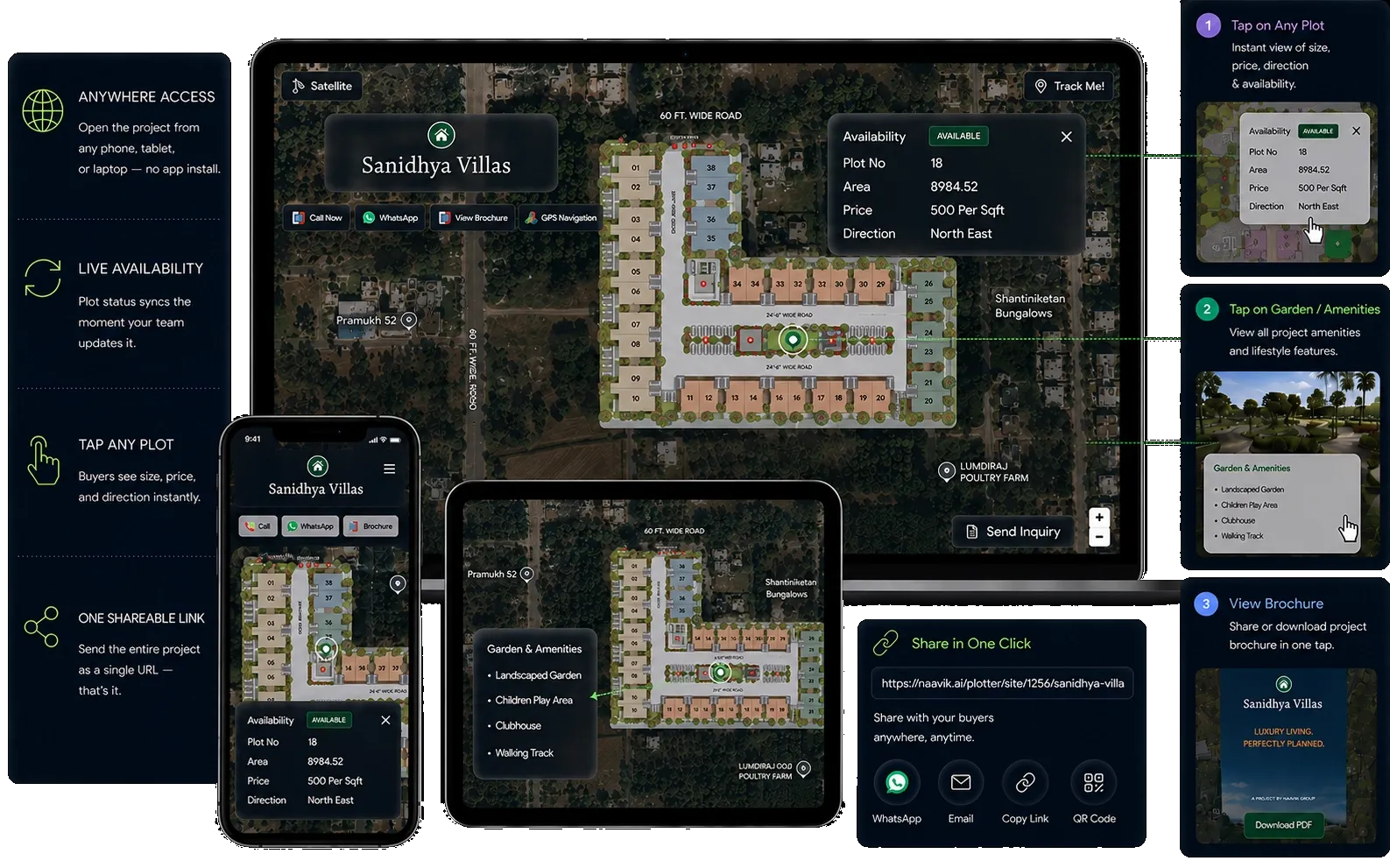
Traditional site layouts tell buyers nothing about the real world. Naavik.ai bridges this gap. It is an advanced plot layout software for real estate that transforms static technical drawings into an interactive 3D site plan over map layers.

Give your buyers a clickable plot layout on map featuring a real-time plot inventory management software backend. This allows clients to see exactly how their future property sits in the real world.
Get StartedView interactive demo
Live availability
Real-time booking
Buyer CRM
real product
Challenges facing the industry today

Challenges Facing the Real Estate Sales Process

Despite digital advancements, plot sales and discovery are still held back by outdated workflows, disconnected tools, and limited transparency.

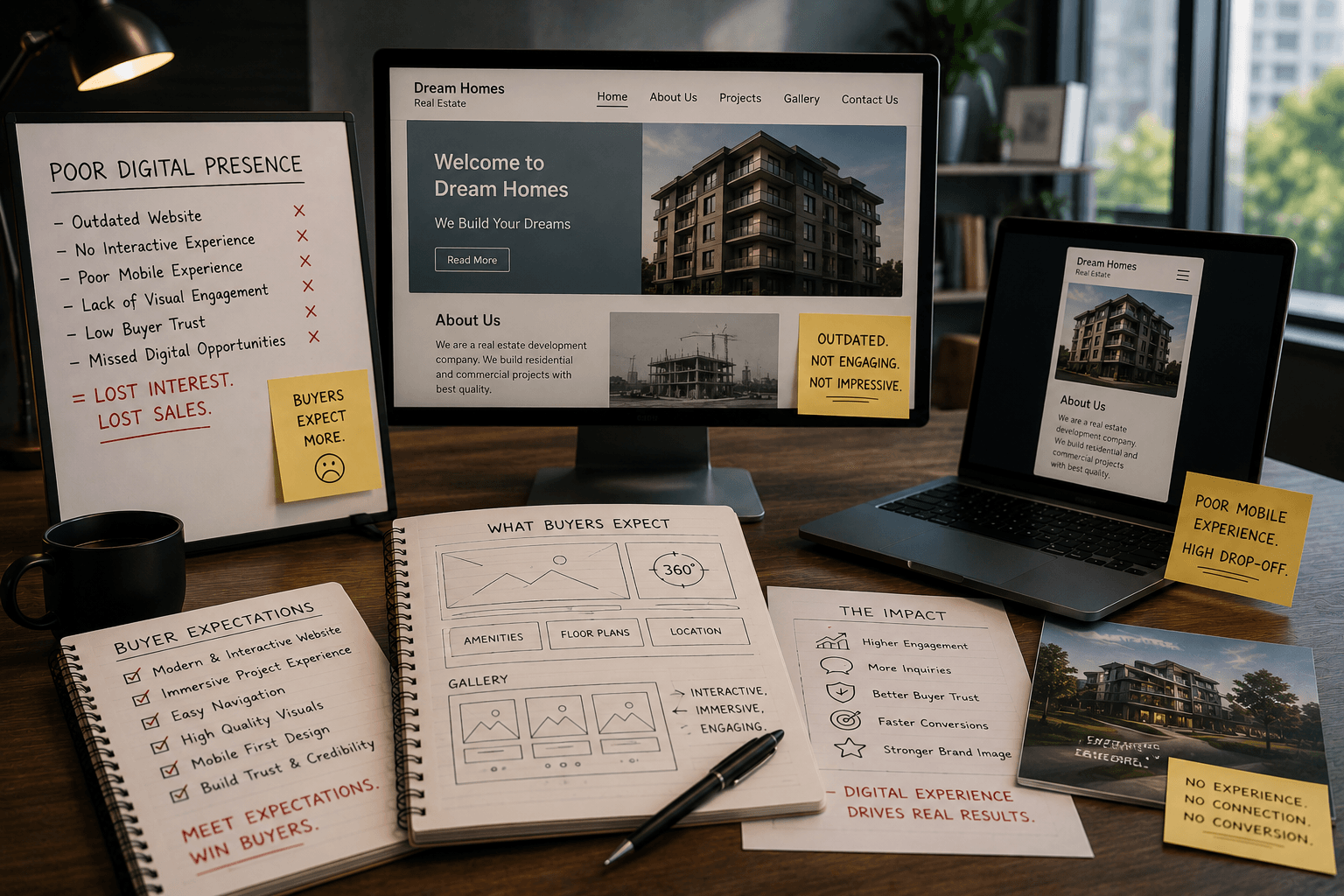
Poor Digital Presence

Poor Digital Presence

Many projects lack interactive, modern experiences expected by buyers.

For builders

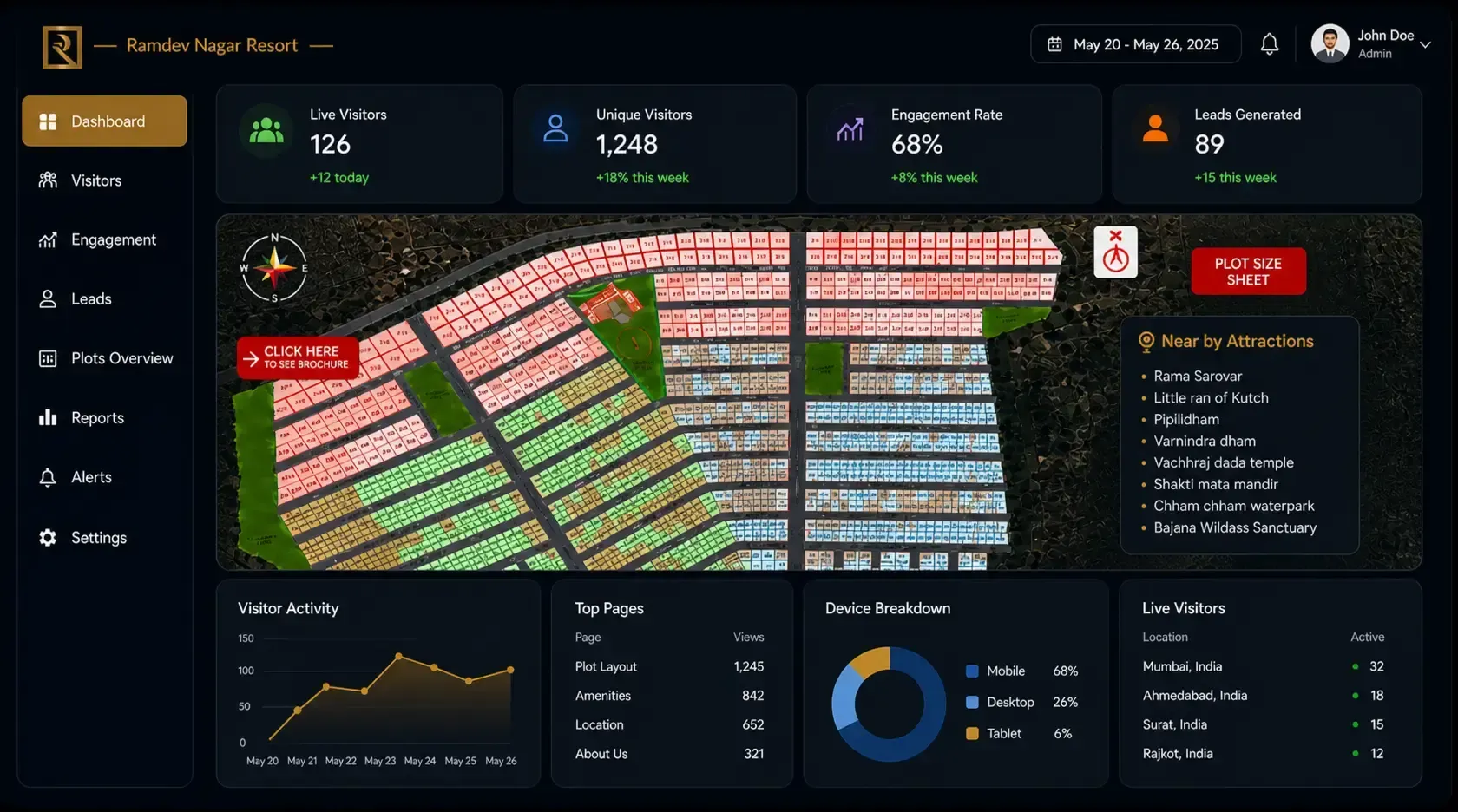
Complete control & real-time insights for builders.

Manage, track, and grow your real estate project with a powerful digital platform designed for modern builders.

smart-dashboard
  • Smart Dashboard with Visitor Analytics

    Track how many users are exploring your project, monitor engagement, and measure buyer interest in real time.

  • smart-dashboard
  • Built-in CRM for Lead Management

    Capture leads, manage follow-ups, and track conversions β€” all from a single platform without multiple tools.

  • Instant Alerts & Notifications

    Receive real-time alerts when buyers interact with your project, helping you respond to hot leads instantly.

  • Professional Digital Project Showcase

    Present your project with an interactive map-based interface that builds trust and accelerates sales.

  • Easy Website Integration

    Embed your interactive map directly into your website or share a single Naavik.ai link for seamless access.

  • Integrated Digital Brochures

    Attach detailed brochures to every section (plots, gardens, amenities) to provide a guided customer experience.

Buyer Challenges

Challenges Buyers Face in Plot Discovery

Buying a plot often involves unclear information, limited visibility, and fragmented communication.

Unclear Plot Availability
Buyers cannot easily determine which plots are currently available, leading to confusion and wasted time.
Limited Project Visibility
Static layouts and brochures do not provide clear understanding of plot positioning, surroundings, and accessibility.
Lack of Pricing Transparency
Incomplete or delayed pricing information creates uncertainty and slows down decision-making.
Difficult Inquiry Process
Buyers rely on manual communication channels such as calls or messages, with no structured tracking or timely responses.
No Real-Time Updates
Changes in availability or pricing are not updated instantly, resulting in outdated or inaccurate information.
Lack of Location & Context Clarity
Buyers struggle to understand plot surroundings, access roads, and nearby infrastructure from limited information.
For buyers

Explore a Complete Interactive Land Development Masterplan

Don’t let buyers make blind decisions on flat, isolated blueprints. Give them an interactive real estate site plan that merges your property lines with live Google Maps context, showing exact road access, orientation, and nearby infrastructure along with clickable units and amenities which makes visualization very easy to understand advantages of your real estate project.

  • Explore Projects Anytime, Anywhere

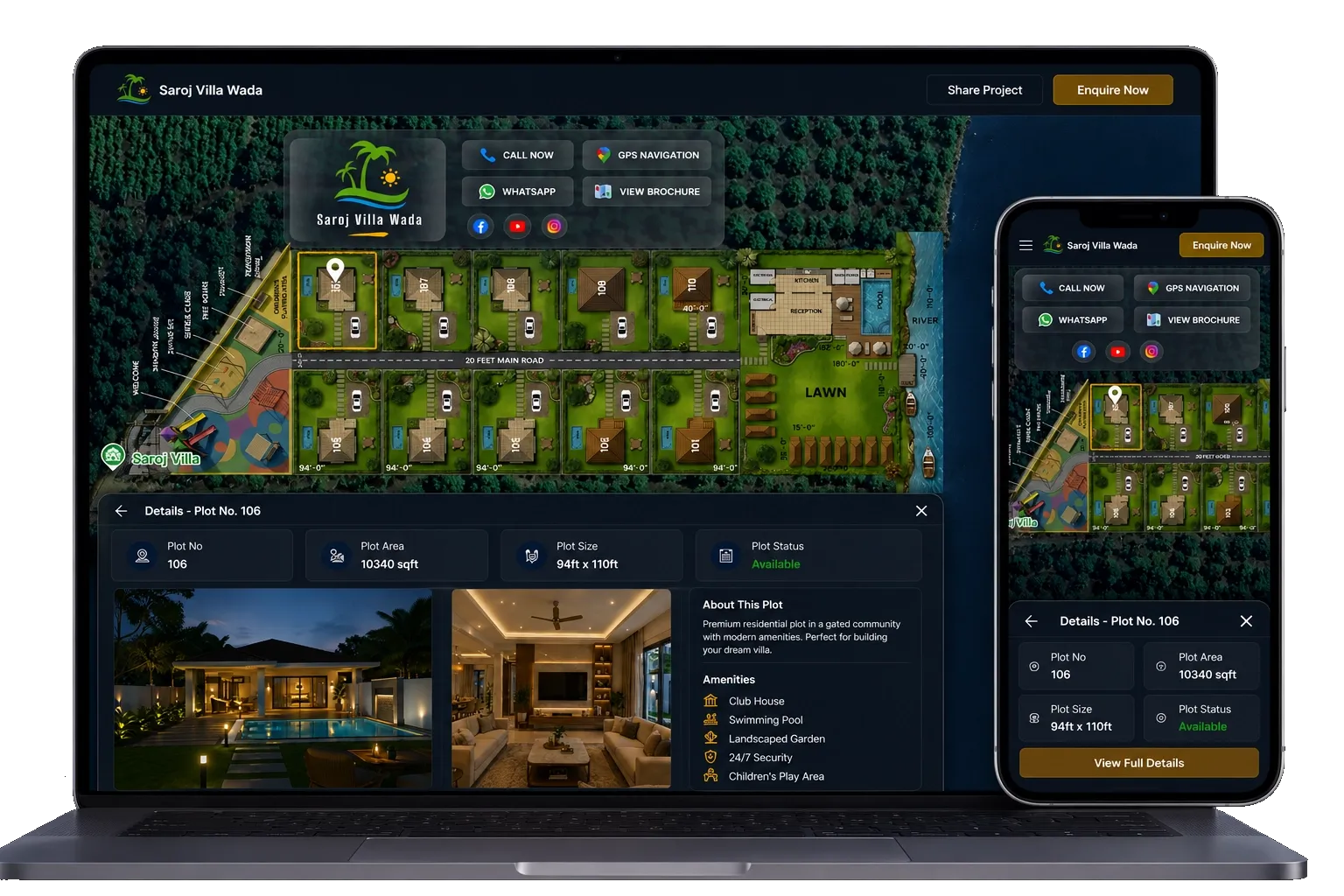
    Access your entire real estate project online through a single smart link. Buyers can view plots, villas, and layouts on Google Maps without multiple site visits.

  • explore-projects-anytime-anywhere
  • Real-Time Plot Availability

    Instantly check which plots are available or sold. No delays, no confusion β€” make faster and more confident decisions.

  • Nearby Landmarks & Connectivity

    View roads, schools, hospitals, and key landmarks directly on the map to evaluate location benefits in seconds.

  • Complete Property Details in One Click

    From plot size to pricing and specifications β€” every detail is available instantly without repeated inquiries.

  • Easy Direct Inquiry

    Send inquiries directly from the map interface, making communication faster and more efficient.

  • Interactive Digital Brochures

    Explore gardens, amenities, villas, and layouts through visually guided digital brochures linked to each section.

Explore Projects Anytime, Anywhere β€” interactive plot map for real estate
One unified platform

One unified platform Complete Transparency Total Control.

From plot availability to pricing, customer inquiries to analytics β€” manage every aspect of your project in one unified platform.

Buyer Confidence

Build Buyer Confidence

With real-time plot visibility, pricing clarity, and interactive layouts, buyers make faster decisions with complete trust.

Smart CRM

Centralized Lead & CRM Tracking

Every inquiry, brochure view, and interaction is captured and organized into a single, powerful sales pipeline.

Live Alerts

Real-Time Alerts & Engagement

Get instant notifications when buyers interact with your project, helping you respond at the right moment.

Live on Naavik

Explore Live Plot Projects in Action

See how real estate developers are using interactive maps, real-time availability, and digital brochures to showcase their projects.

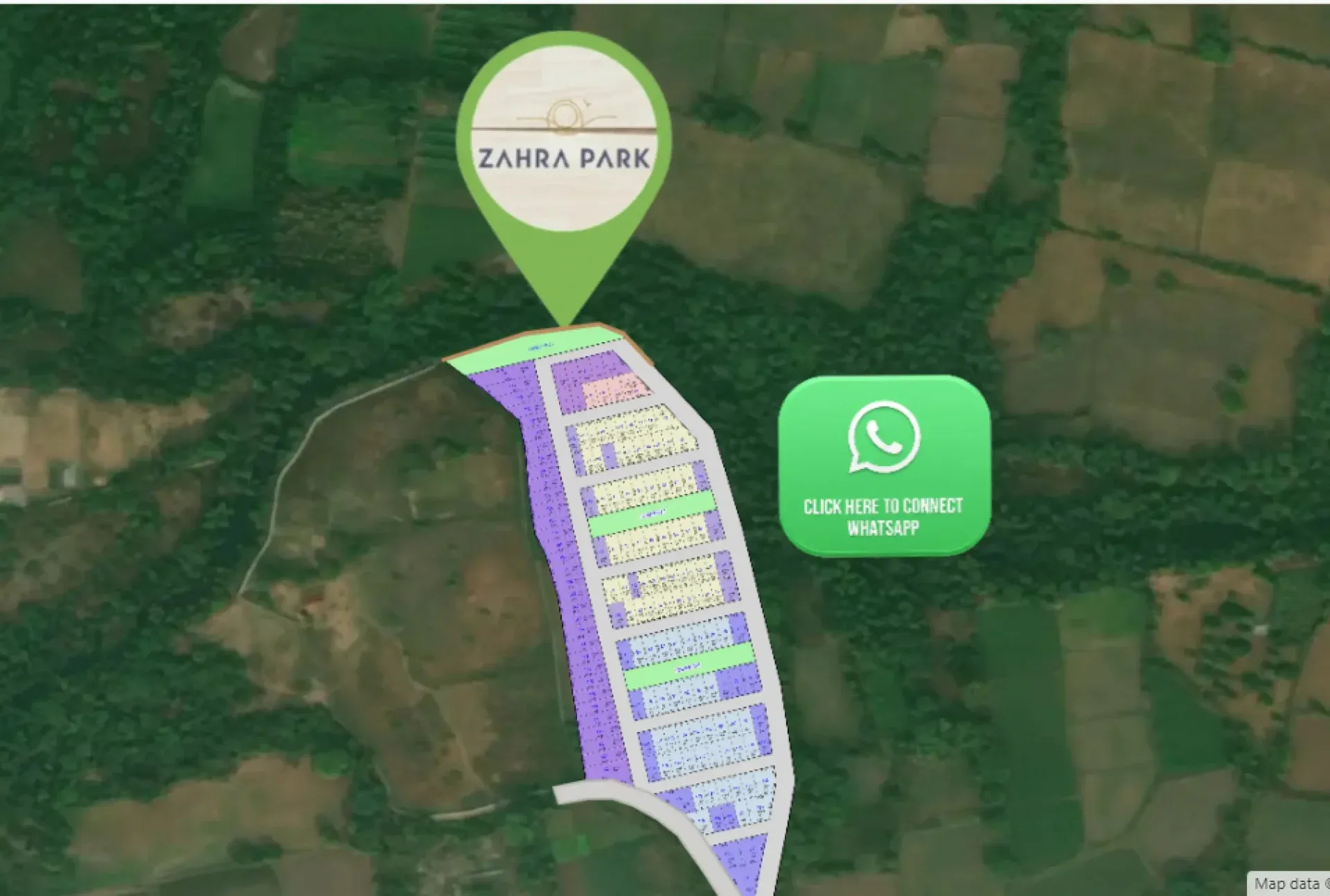
Zahara Park

Live Project

Zahara Park

View Live Project
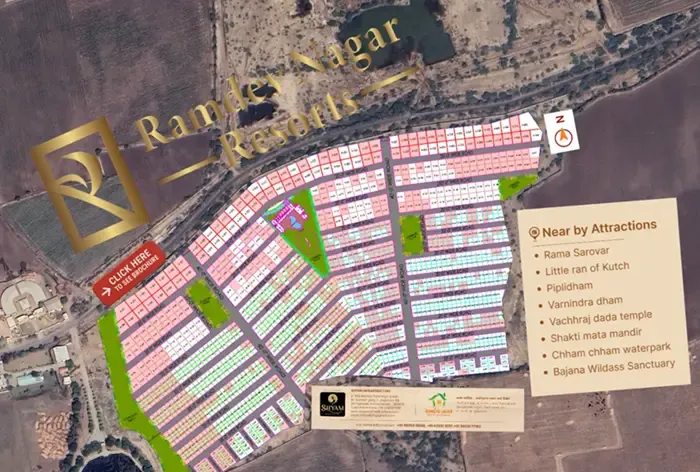
Ramdev Nagar

Live Project

Ramdev Nagar

View Live Project
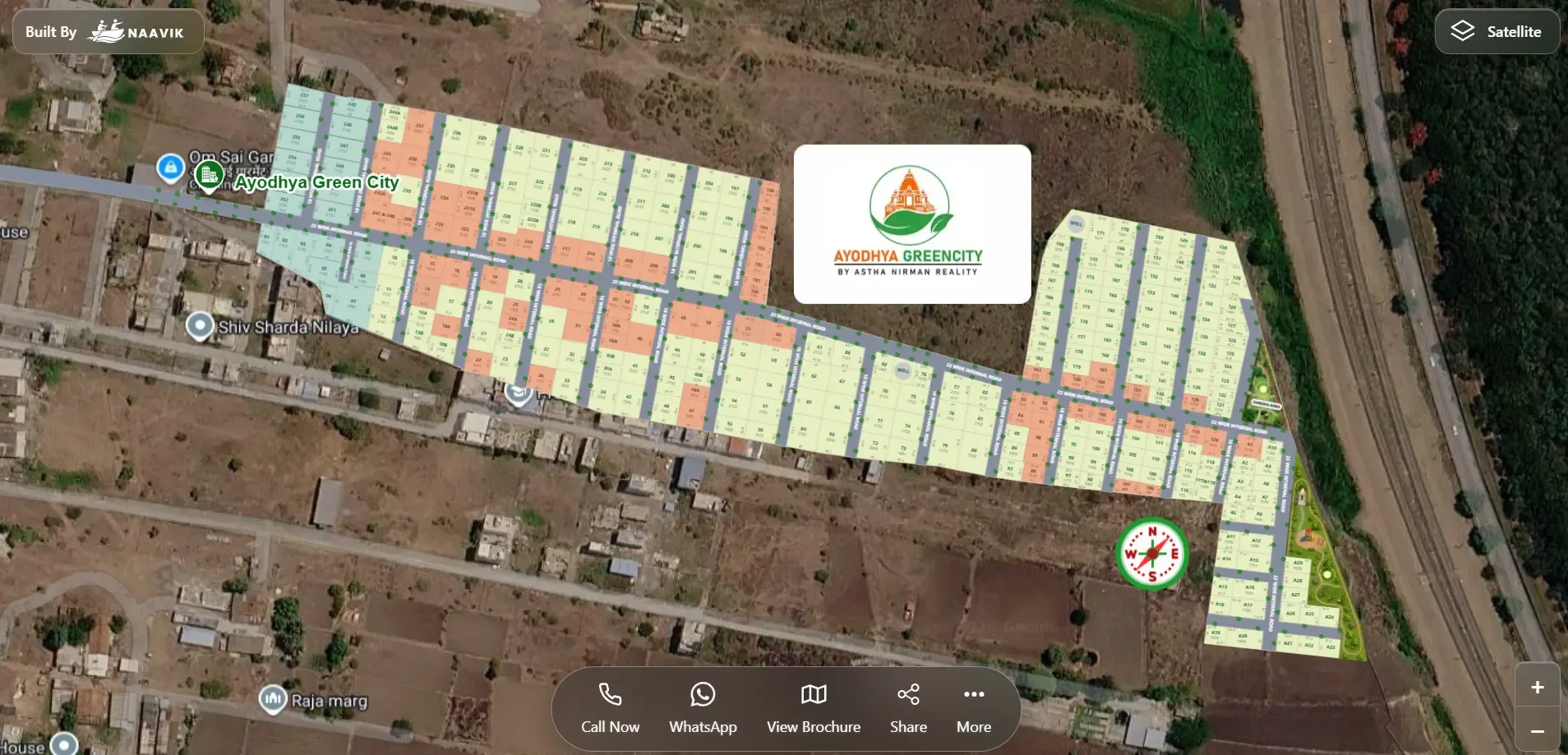
Ayodhya Green City

Live Project

Ayodhya Green City

View Live Project
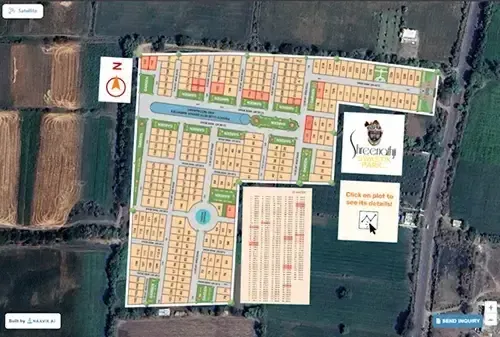
Shreenathji Swastik Park

Live Project

Shreenathji Swastik Park

View Live Project
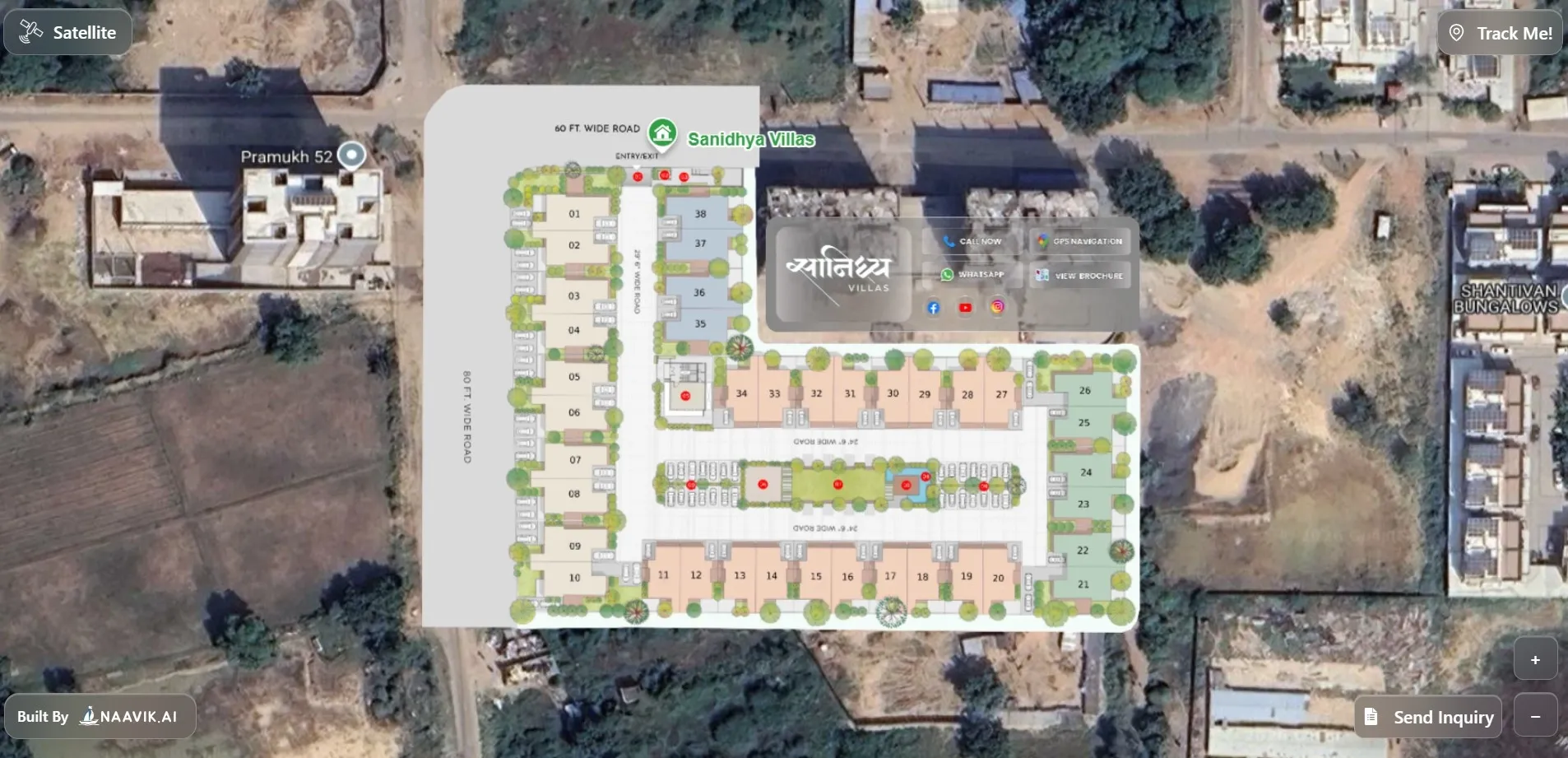
Sanidhya Villa

Live Project

Sanidhya Villa

View Live Project
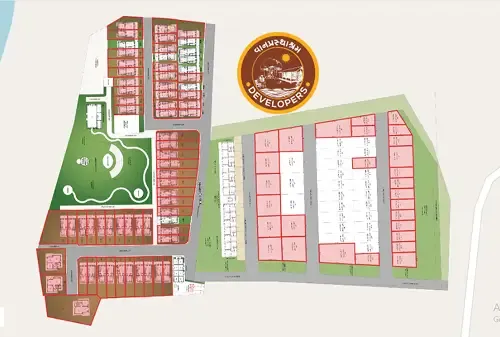
Reva Vanprasthnagar

Live Project

Reva Vanprasthnagar

View Live Project
Zahara Park

Live Project

Zahara Park

View Live Project
Ramdev Nagar

Live Project

Ramdev Nagar

View Live Project
Ayodhya Green City

Live Project

Ayodhya Green City

View Live Project
Shreenathji Swastik Park

Live Project

Shreenathji Swastik Park

View Live Project
Sanidhya Villa

Live Project

Sanidhya Villa

View Live Project
Reva Vanprasthnagar

Live Project

Reva Vanprasthnagar

View Live Project

Getting started

Get your project live in 6 simple steps

Share the essentials β€” we transform your project into a fully interactive digital experience.

  1. Step 1

    Step 1

    Project Layout

    Upload your site layout to map plots accurately on the platform.

  2. Step 2

    Step 2

    Unit Details

    Add plot-level information including size, pricing, roads, and common areas.

  3. Step 3

    Step 3

    Amenity Content

    Provide images and details for amenities like gardens, clubhouse, and facilities.

  4. Step 4

    Step 4

    Branding

    Share your logo, website, phone number, and brand identity.

  5. Step 5

    Step 5

    Location Mapping

    Mark the exact project location to enable Google Map integration.

  6. Step 6

    Step 6

    Contact Setup

    Add your email address to receive real-time customer inquiries.

  1. Step 1

    Project Layout

    Upload your site layout to map plots accurately on the platform.

  2. Step 2

    Unit Details

    Add plot-level information including size, pricing, roads, and common areas.

  3. Step 3

    Amenity Content

    Provide images and details for amenities like gardens, clubhouse, and facilities.

  4. Step 4

    Branding

    Share your logo, website, phone number, and brand identity.

  5. Step 5

    Location Mapping

    Mark the exact project location to enable Google Map integration.

  6. Step 6

    Contact Setup

    Add your email address to receive real-time customer inquiries.

Ready to digitize your plot project?

Join builders giving buyers a real-time, interactive plot booking experience.

Get Started